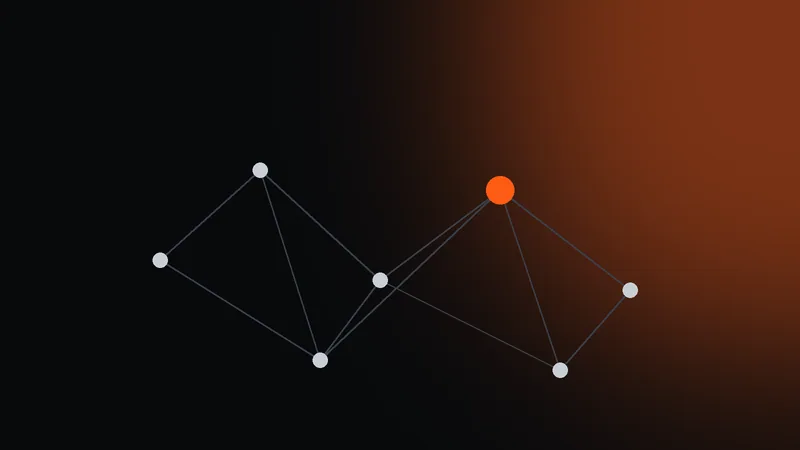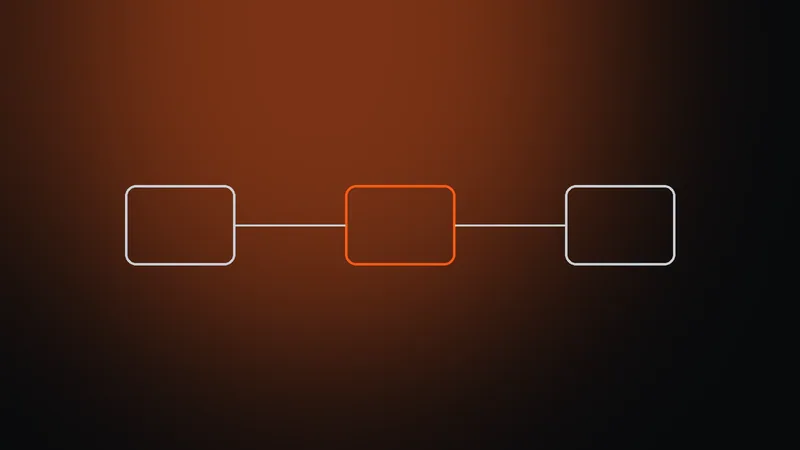
- A proxy is an intermediary server: the site sees its address, not yours
- Datacenter IPs are the fastest and cheapest, for scraping
- Residential IPs belong to home ISPs, for protected sites
- Mobile IPs belong to carriers, for social media and apps
A proxy server is an intermediary between your device and a website. Without it the site sees your IP address and uses it to work out your country, city and ISP. With a proxy it sees the intermediary's address instead.
How a proxy works
- you send the request to the proxy server, not to the site;
- the proxy passes it to the site under its own address;
- the site answers the proxy, which returns the answer to you.
To the site, the visitor is the proxy. That is why the kind of address it has matters.
Three types of IPs
- Datacenter — addresses of data centers. The fastest and cheapest, but protected sites recognise them.
- Residential — addresses of home internet providers. To a site this is an ordinary user.
- Mobile — addresses of 4G/5G carriers. The most trusted, because hundreds of subscribers share one address.
Rotating or sticky IP
Rotating proxies give a new address for every request, which is what data collection needs. A sticky IP keeps one address for a session, which is how accounts are run.
HTTP or SOCKS5
HTTP proxies are understood by browsers and most software. SOCKS5 is needed for Telegram and apps that send more than web traffic.
Choosing by task
- scraping public sites, price monitoring — rotating datacenter IPs;
- sites that block datacenters, ad verification — residential IPs;
- social networks and mobile apps — mobile IPs with a sticky session.
What a proxy does not do
- it does not encrypt traffic — the site does that itself through https;
- it does not speed up your connection: every request passes through an extra server;
- our proxies do not carry UDP, so messenger calls and online games do not work through them;
- it does not hide your browser fingerprint — that takes an antidetect browser.
Where to start
- sign up and create a plan of the type you need;
- pick the country, protocol and IP mode in the generator;
- copy the connection line into your browser, antidetect tool or script;
- check that the site sees the new address.
Transparent, anonymous and paid proxies
Proxies also differ in what they tell the site about you.
- A transparent proxy passes your real address to the site in service headers. This is how, for example, caching servers at internet providers work - they do not help hide your address.
- An anonymous proxy does not pass your address, but it may tell the site that the request comes through a proxy.
- Paid proxies for work, like those at Prokso, exist precisely so that the site sees the proxy's address and not yours.
You can check what the site sees on the My IP page - first without a proxy, then through it.
How people pay for proxies
There are two models. In one, you rent specific addresses for a month and pay for each of them. In the other, you pay for traffic and get access to a large pool of addresses, and you can change the country and type at any moment.
Prokso works on the second model: gigabytes with no expiry date, and the unused balance waits on the plan. The traffic calculator will help you estimate how much traffic your task needs.
A proxy does not encrypt traffic and is not a VPN — see our separate article on the difference. To see what a site actually sees, open the My IP page.
FAQ
What is a proxy server in simple terms?
It is a computer that sits between you and a website. You send your request to the proxy, it passes the request on under its own address and returns the answer to you.
What is a proxy used for?
To make a site see a different IP address and country: for data collection, checking ads and prices in other regions, and running several accounts.
Which proxy should a beginner choose?
Datacenter for scraping, residential for accounts and protected sites, mobile for social networks. All three types work from one dashboard.
Can a site tell that I am connecting through a proxy?
It does not see your address - only the proxy's address. But the site may know that the address belongs to a data center, or notice that the browser's time zone and language do not match the address's country. The My IP page will show exactly what it sees.
How is a proxy server different from a site's server?
A site's server stores and serves pages. A proxy stores nothing for you - it only passes requests and responses on its own behalf.